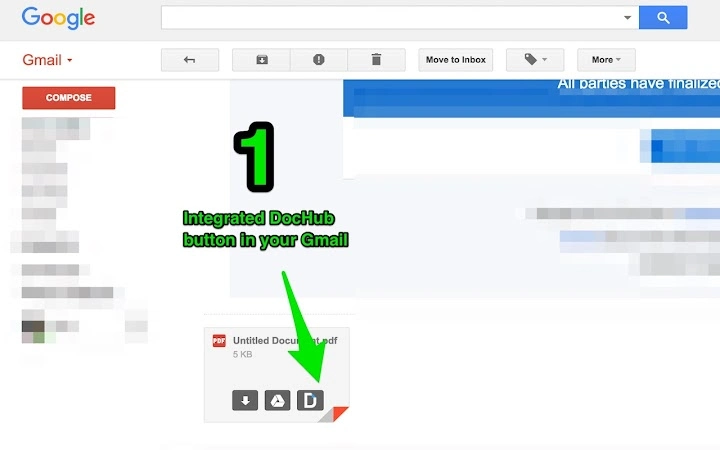
DocHub Extension for Chrome
https://dochub.com/
Capturas de pantalla
Detalles de la aplicación
- Versión
- 2.4.0
- Tamaño
- 61.41 KB
- Actualizado
- May 29, 2025
- Desarrollador
- https://dochub.com/
- Categoría
- Extension
Acerca de DocHub Extension for Chrome
Guías y tutoriales
Cómo instalar DocHub Extension for Chrome
- Haz clic en el botón Descargar de arriba.
- Cuando se te redirija, acepta los términos y haz clic en Instalar.
- Espera a que la descarga de DocHub Extension for Chrome termine en tu dispositivo.
Cómo usar DocHub Extension for Chrome
Este software se usa principalmente para las funciones principales descritas arriba. Abre la aplicación después de instalarla para explorar sus capacidades.
Reseñas de usuarios
Aún no hay reseñas. Sé el primero en compartir tu experiencia.
También te puede gustar
más
BannedList Highlighter Extension for Chrome
A Chrome extension that automatically highlights entries from John Rentoul's boo...

Bring It Back Extension for Chrome
It is an extension developed to revive the "Discuss" button which disappeared fr...

Clicky for Slack Extension for Chrome
#Clicky for Slack is the fastest and easiest way to share your current tab to an...

wrap Extension for Chrome
Reverting Tumblr’s awful design choices, one at a time. Up to date, despite old...
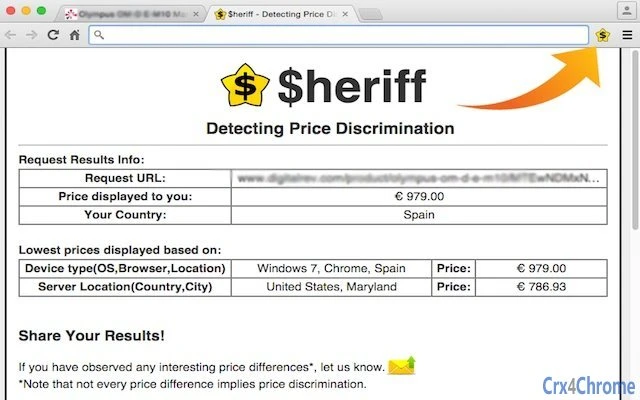
heriff_v2 Extension for Chrome
Before you install:1. $heriff is not intended for user under the age of 13.2. Fr...

Cards View' Filter for Trello Extension for Chrome
Adds buttons for filtering cards by list in Trello's Cards view.Changelog:1.0 (2...